
Features
Everything on this page works today. If it is not built yet, it is not listed.
Collecting rent
Invoices go out on their own, and you can see where every lease stands.
Invoices on schedule
Rent invoices are created from each lease’s due date, every period, without you sending them.
Pay by card
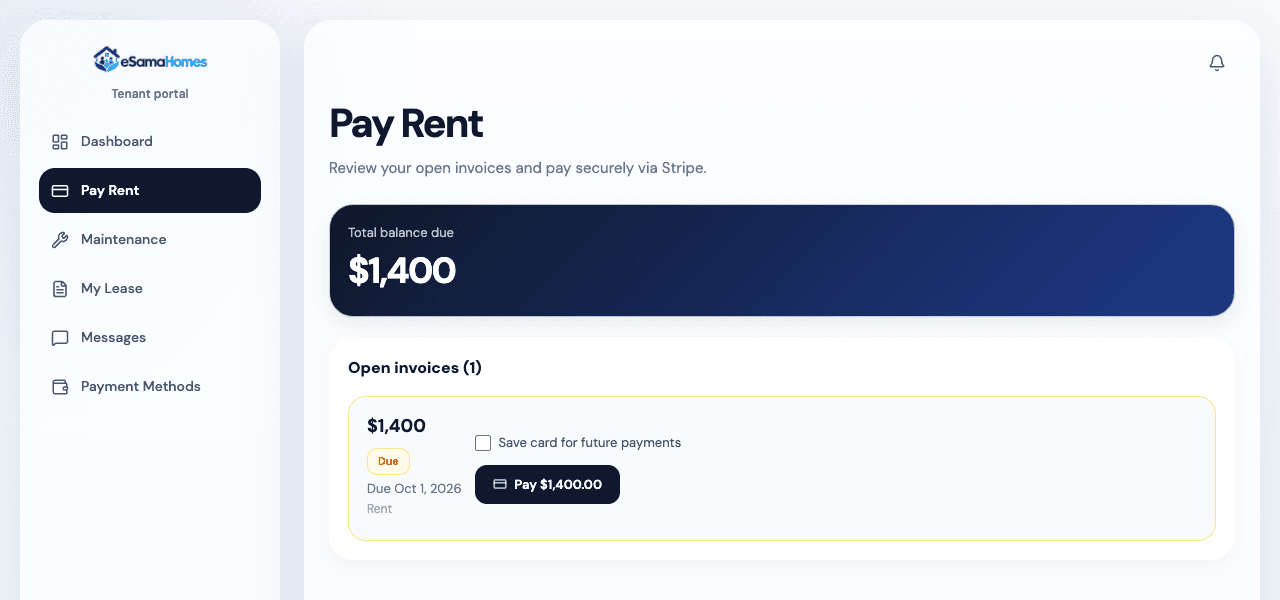
Tenants pay in their portal or from the link in their rent email. The payment goes to your Stripe account.
Saved cards and auto-pay
Tenants can save cards, pick a default, and have rent charged on the due date.
Reminders and late notices
A reminder three days before rent is due, and a notice once it is late.
Late fees
Added after the grace period on the lease, using the fee you set.
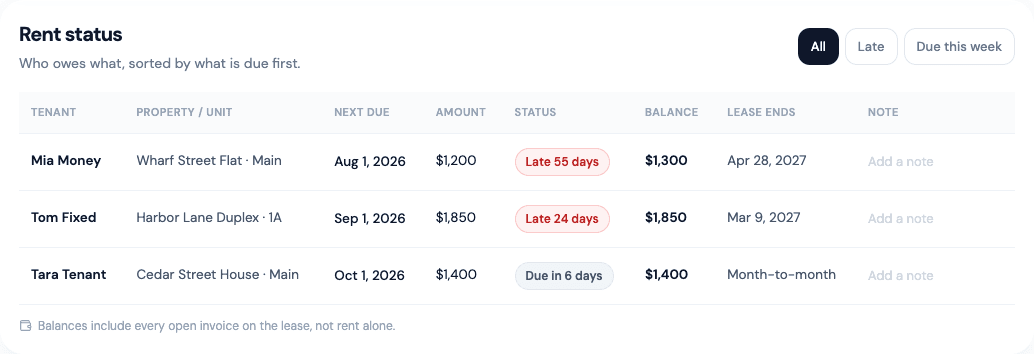
Rent status at a glance
One table shows every lease as current, due, late but still in its grace period, or late.
Cash and checks too
Record payments you receive outside the app, so the books stay complete.
Keeping the books
Balances come from the ledger, so they add up.
Trust accounts
Operating, security deposit and reserve accounts, each with its own ledger.
Every dollar recorded
Payments, refunds, expenses and owner distributions each leave a ledger entry, credited to the right owner.
Bank reconciliation
Match each trust account to your bank statement, and see what does not line up.
Opening balances
Moving from another system? Enter each owner’s starting balance once, and confirm it against the bank.
Working with owners
For property managers. Owners see their own properties and nothing else.
Owner statements
Build a statement for an owner and send it to their portal. They get an email with a link.
Owner portal
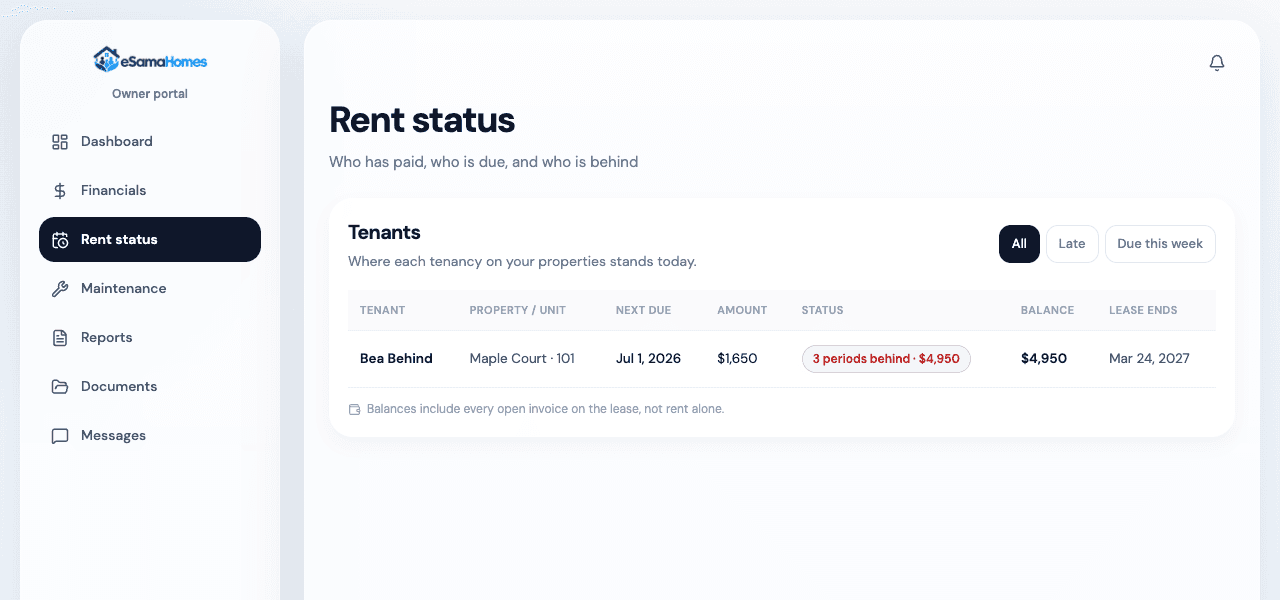
Owners see rent, their financials, repairs waiting for approval, documents and the statements you send.
Approval limits
Set a dollar limit for each owner. Repairs above it wait for the owner to approve.
Distributions on the record
Record each owner distribution in the ledger. You send the money from your bank, as you do today.
Maintenance
From the tenant’s report to the finished job, in one place.
Tenants report problems
Tenants open a request in their portal and follow its progress there.
Vendors quote and update
Vendors send quotes and update work orders in their own portal.
Owners approve
Repairs above an owner’s limit wait for that owner’s approval.
Portals
Everyone logs in with Google. Each person sees only their own records.
Tenants
Pay rent, save cards, turn on auto-pay, read their lease and its documents, report repairs and send messages.
Owners
See rent and financials for their properties, approve repairs, read documents and statements, and send messages.
Vendors
Answer quote requests, update work orders and keep their details current.
Documents, messages and reports
The paperwork, kept with the lease or property it belongs to.
Documents
Upload leases, IDs and other files. The type you choose decides who can see it: an owner never sees a tenant’s ID.
Messages
Write to tenants and owners from inside the app. New messages show up in their notifications.
Reports
Rent roll, financial summary, owner statement, maintenance summary, vacancy, trust account statement and property income statement.